
Back-to-School Battery Backup Tips for Home Offices & Classrooms
Keeping Laptops, Wi-Fi, and Homework On Track When the Power Blinks
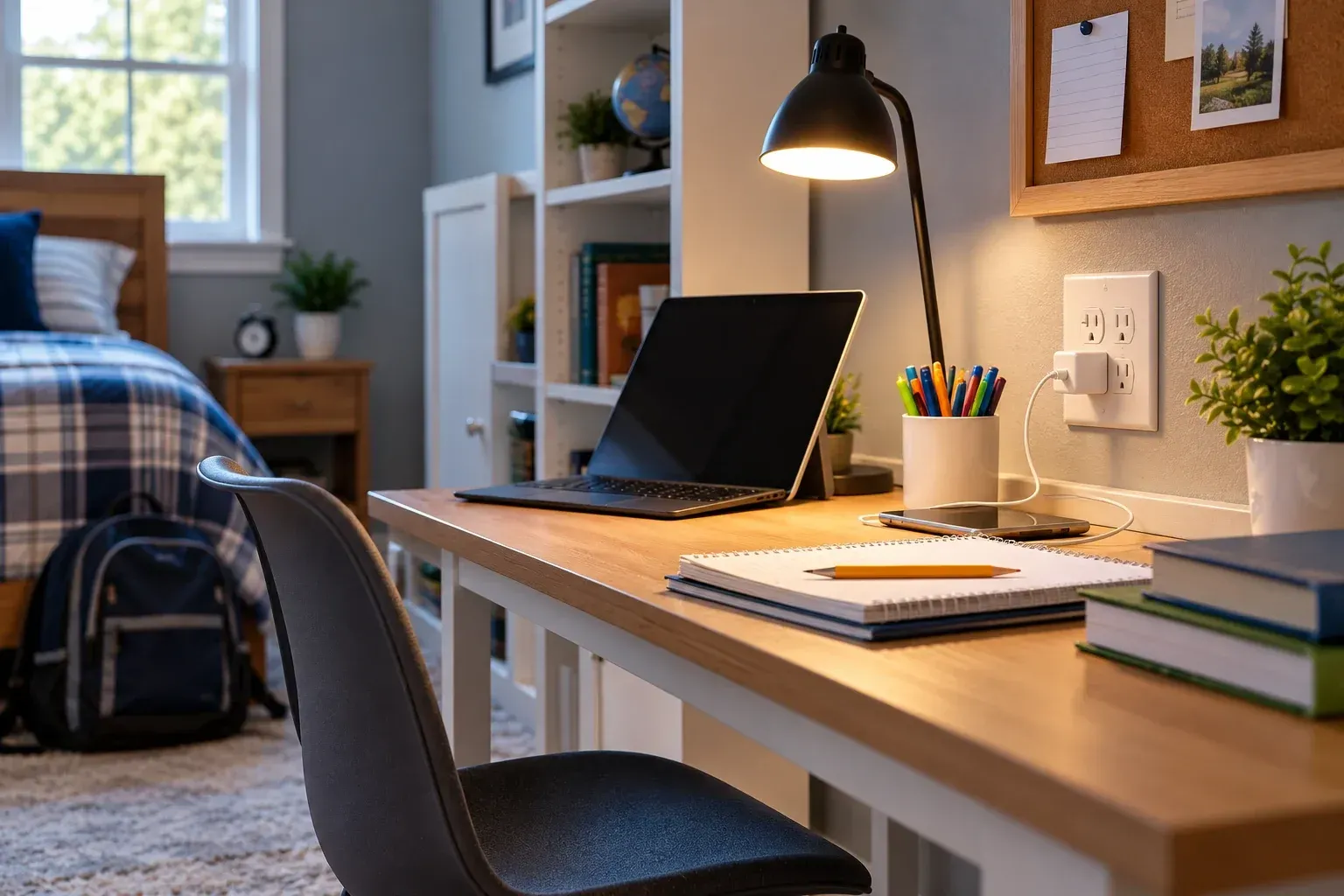
Back-to-school season around Omro, WI doesn't just mean new backpacks and bus schedules — for a lot of households, it also means a home office and a kid's homework station both depending on the same circuits every single evening. A brief power blip that used to be a minor inconvenience can now mean a lost video call, an unsaved assignment, or a router that takes ten minutes to come back online right when it's needed most. A little battery backup planning before the school year gets going can prevent all of it.
Why This Matters More Once School Is Back In Session
Late summer and early fall bring exactly the kind of weather that causes short outages and voltage sags — thunderstorms, wind events, and the occasional grid hiccup as regional demand shifts with the season. For a household with someone working from home and kids doing homework or remote coursework in the evening, that timing lines up with peak usage on shared circuits: laptops charging, monitors running, a printer waiting on standby, and a Wi-Fi router that everything depends on. When the power dips even briefly, it's often the router and modem that take the longest to recover — which is exactly the kind of gap a small backup device is built to cover.
Battery Backup Basics for Home Offices
Uninterruptible power supplies (UPS) for critical devices. A UPS unit sits between your equipment and the wall outlet, instantly switching to battery power during an outage so a desktop computer, monitor, or router doesn't lose power abruptly. For most home offices, a mid-size UPS covering the computer, router, and modem is enough to ride out short outages and give you time to save work during longer ones.
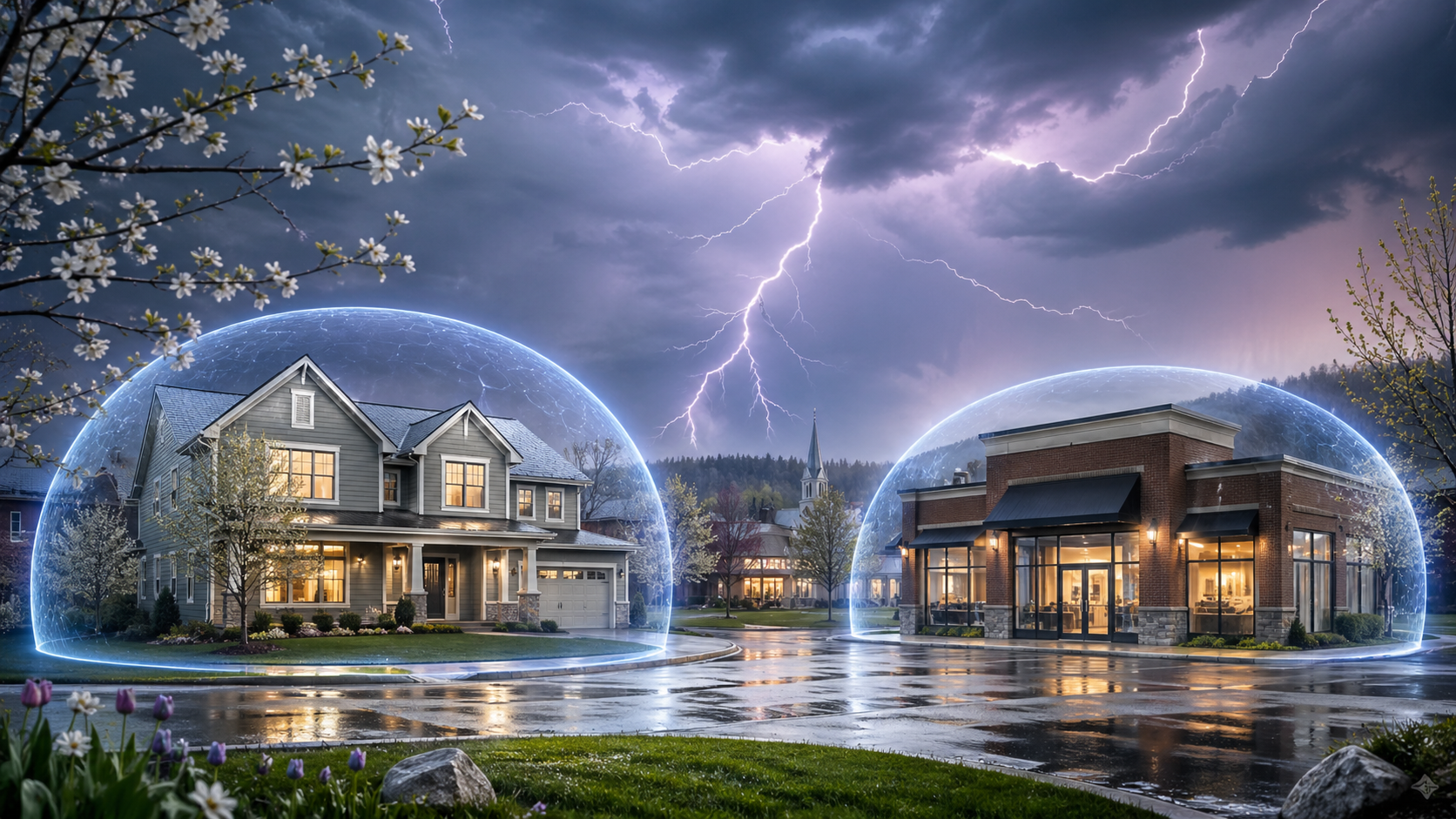
Surge protection matters just as much as backup power. Storms in our region don't just cause outages — the voltage spikes that come with lightning strikes and grid switching can damage sensitive electronics even when the power never fully goes out. Pairing battery backup with proper surge protection covers both risks at once. Our post on surge protection: guarding against spring lightning and power spikes covers why whole-home surge protection is worth considering alongside individual UPS units.
Prioritize the router and modem, not just the computer. It's a common mistake to protect a desktop computer with a UPS but leave the router on a regular outlet. If the internet drops during a video call or an online assignment, the computer staying powered doesn't help much. Keeping networking equipment on backup power right alongside your devices keeps the whole workflow running, not just one piece of it.
Setting Up a Reliable Home Study or Work Space
Know what's on each circuit. If a home office and a kid's homework station share the same circuit as a space heater, microwave, or other high-draw appliance, you're more likely to see nuisance trips or brownouts during busy evening hours. A quick electrical assessment can identify whether your setup needs a dedicated circuit for the equipment that matters most.
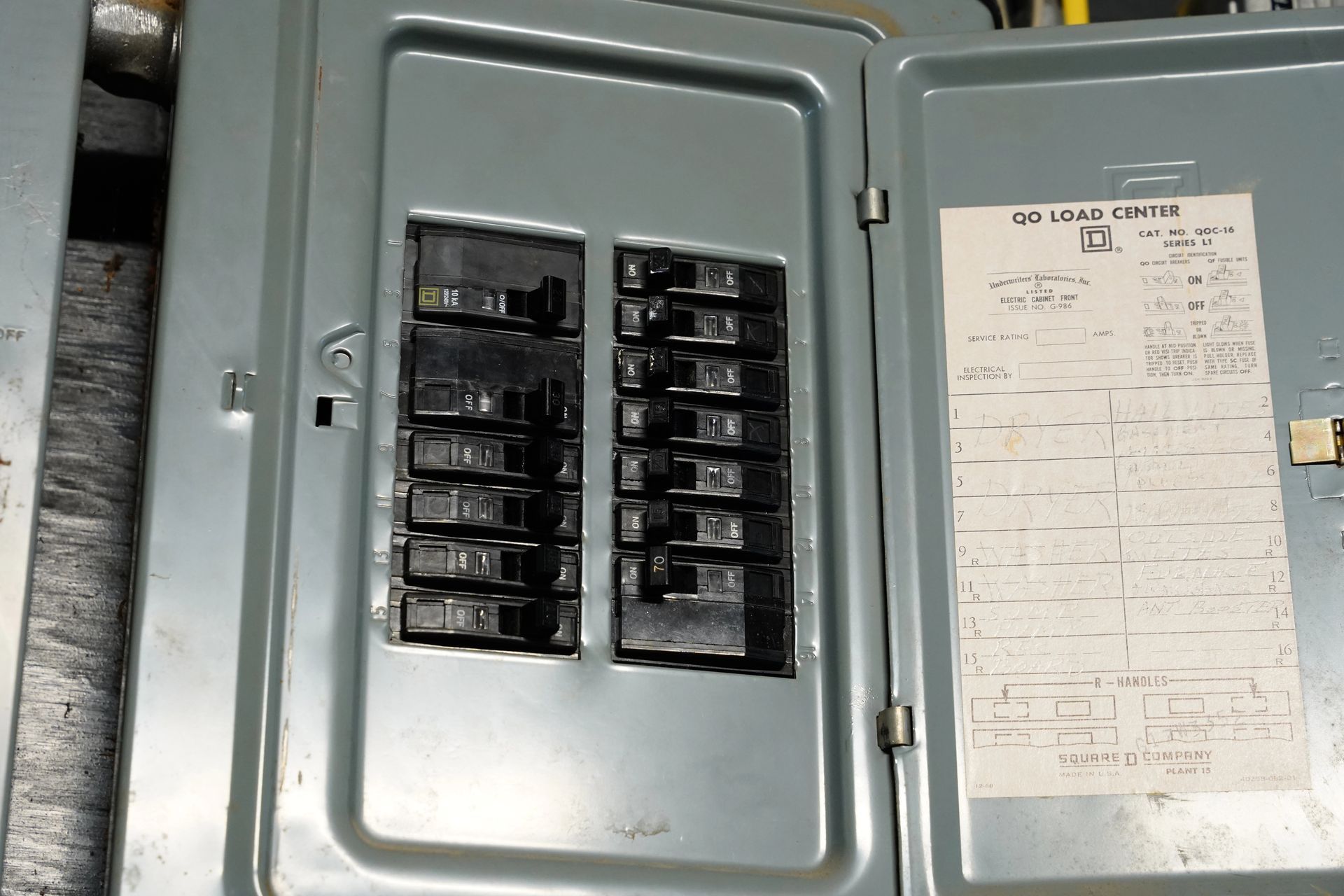
Consider your panel's overall capacity. As households add more devices — laptops, monitors, printers, smart speakers, gaming consoles — older panels can end up stretched thinner than they were designed for. If your home is regularly tripping breakers or you're planning to add more equipment for the school year, our post on is it time to upgrade to 200-amp service walks through the signs it might be time for an upgrade.
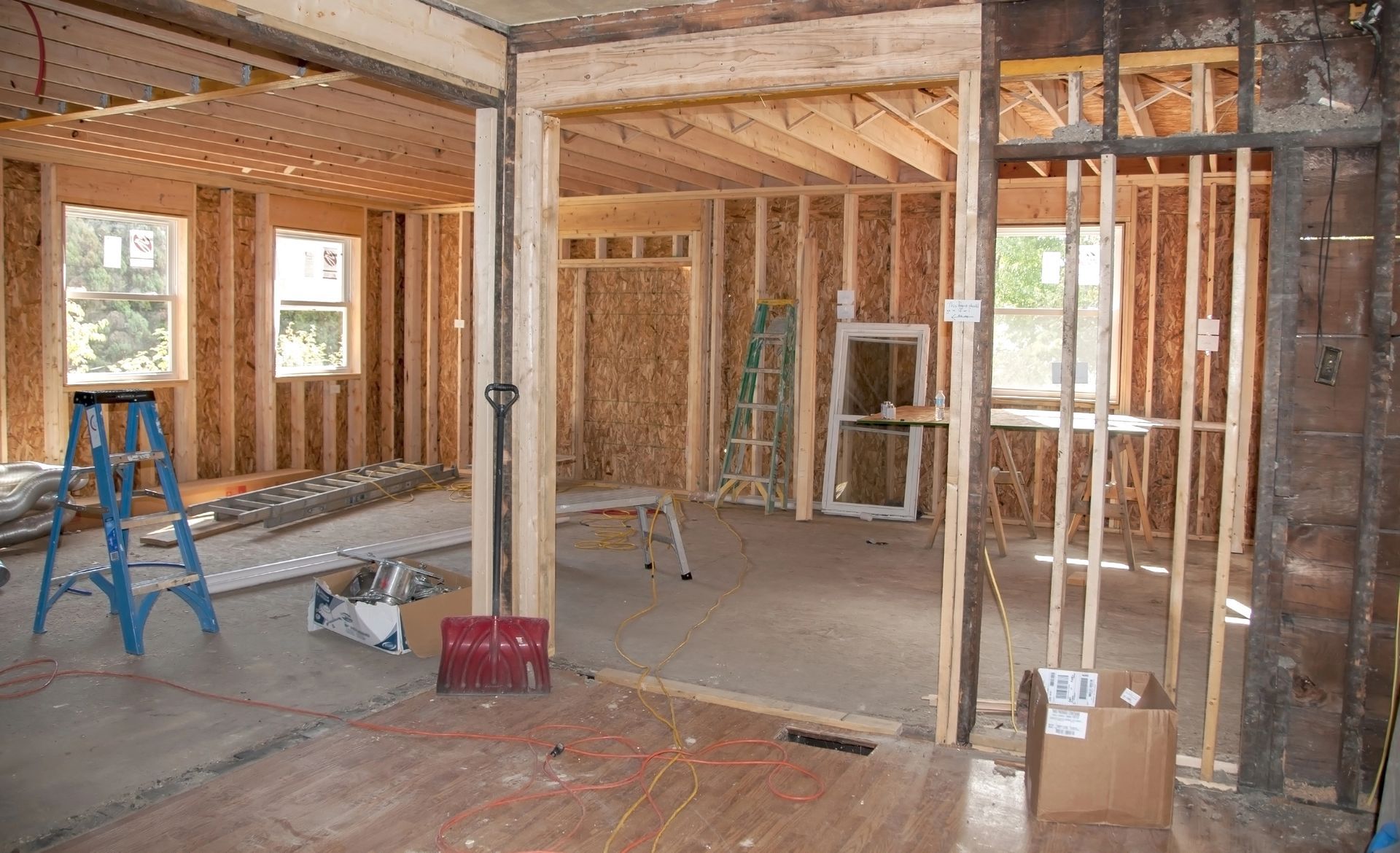
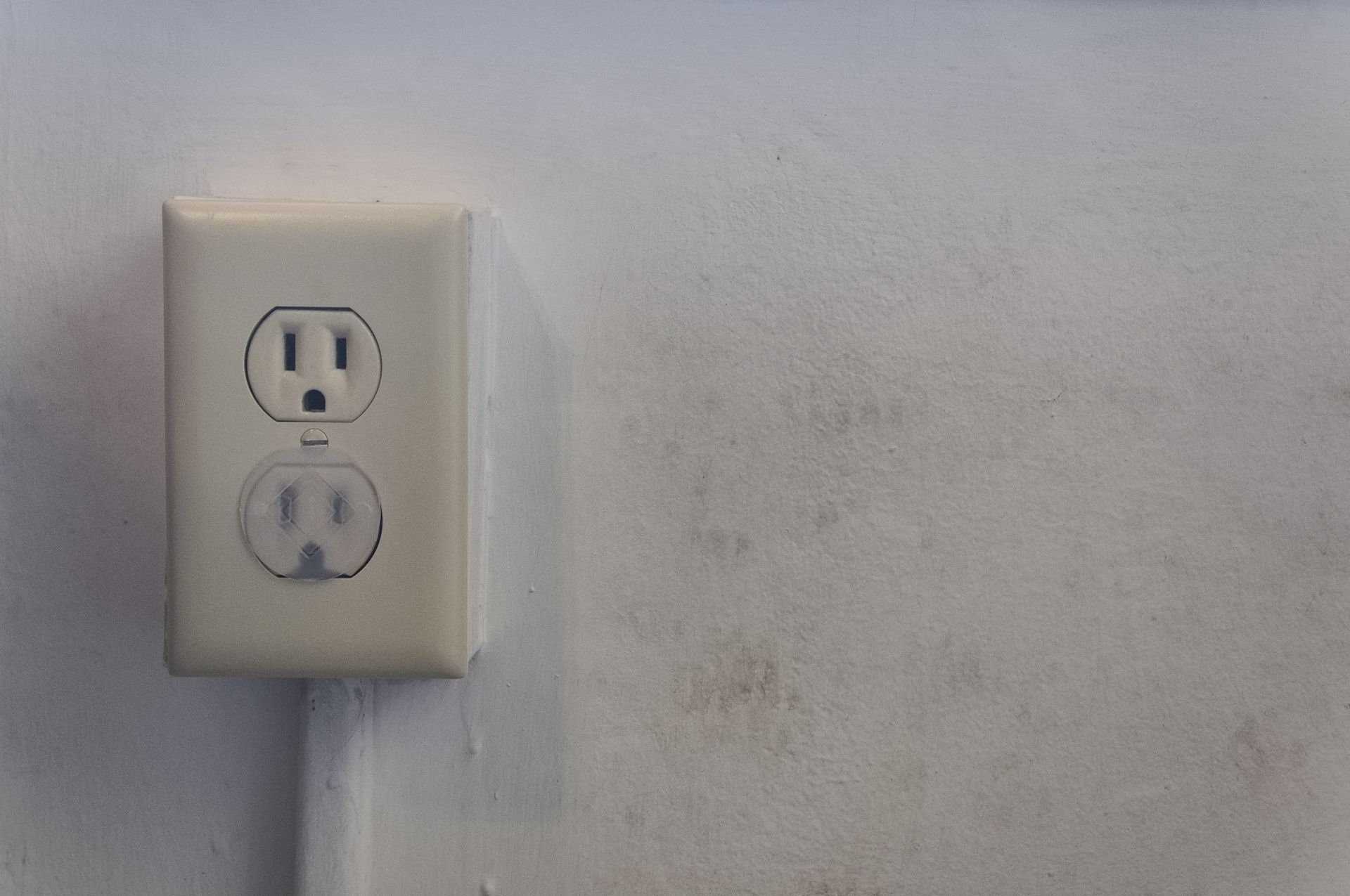
Plan outlet placement around where the work actually happens. Extension cords running across a home office or homework nook are both a tripping hazard and a sign that outlet placement hasn't kept up with how the space is actually used. If you're setting up a new workspace or study area for the year, it's worth having outlets added where devices will actually sit.
A Quick Back-to-School Checklist
- Identify your critical devices — computer, router, modem, and anything else that can't afford to lose power mid-task.
- Add UPS backup to those devices, prioritizing the router and modem alongside the computer.
- Pair backup power with surge protection, especially heading into storm season.
- Check circuit load in shared workspaces to avoid nuisance trips during peak evening hours.
- Review outlet placement in home offices and homework areas before the routine gets busy.
Serving Omro and Northeastern Wisconsin
Ebert Electric provides residential electrical services throughout Omro and Northeastern Wisconsin, including surge protection, panel upgrades, and dedicated circuits for home offices and workspaces. If your household is gearing up for a busy school year and want your setup ready for it, contact us today for a free quote.